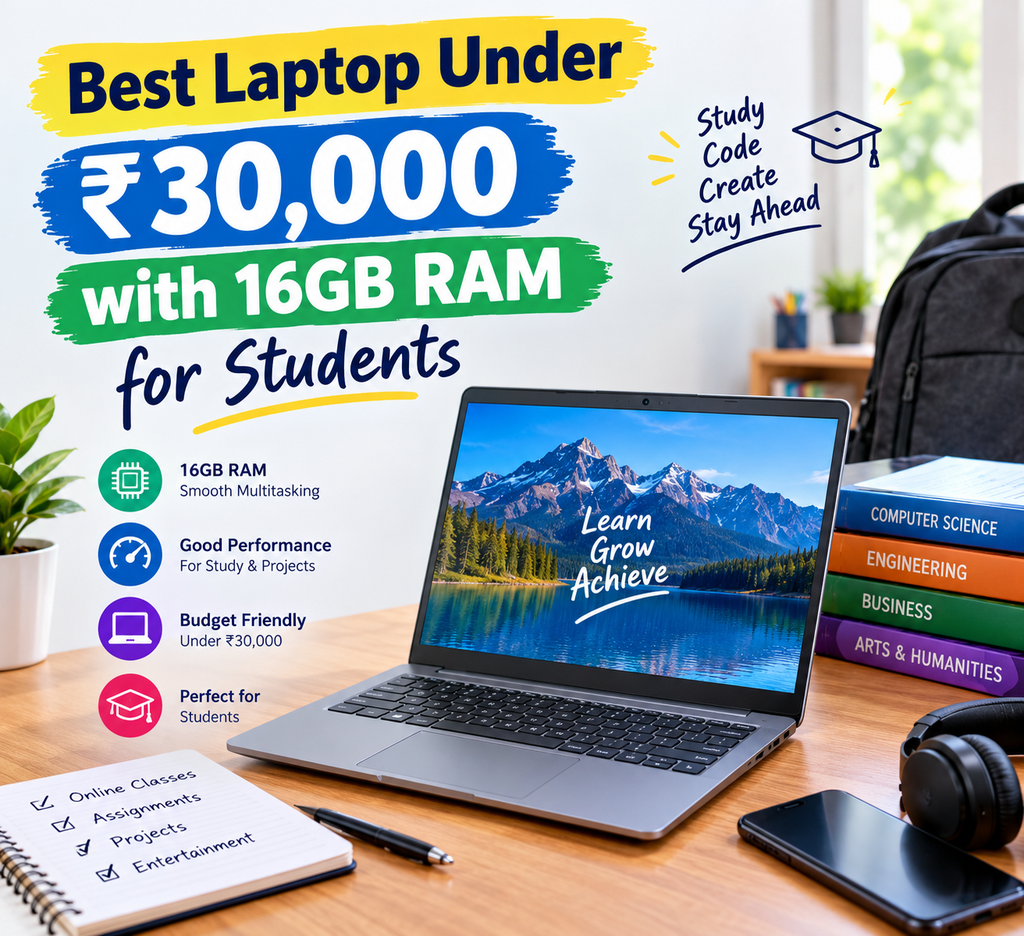
For the Best laptop under ₹30000 with 16GB RAM for students, this guide will help you understand which specifications deserve your attention and how to make a sensible purchase without stretching your budget.Buying a laptop for college can be confusing, especially when you have a limited budget. Every student wants a machine that opens applications quickly, handles assignments without slowing down, supports online classes, and lasts for several years. At the same time, spending more than ₹30,000 may not be possible for everyone.
The good news is that some budget laptops offer 16GB RAM, SSD storage, and capable processors at prices close to ₹30,000. However, choosing a laptop based only on RAM is not a good idea. The processor, display, keyboard, battery, and upgrade options also matter.
Why Do Students Need 16GB RAM?
RAM plays an important role in how smoothly a laptop handles multiple tasks. Students regularly switch between web browsers, PDF files, online lectures, Word documents, spreadsheets, and presentation software.
With 16GB RAM, you can generally keep several applications open without experiencing the same memory limitations that an 8GB system might face during heavier multitasking.
Best Laptop Under ₹30000 with 16GB RAM for Students is a useful topic for students looking for an affordable laptop for their studies.
For example, imagine preparing a college presentation while researching information online, attending a video lecture, and keeping your notes open. Having sufficient RAM can make this experience more comfortable.
However, RAM is not the only factor responsible for performance. A laptop with 16GB RAM and a weak processor can still feel slow when running demanding software. Therefore, always consider the complete configuration rather than looking at one specification.
Best Laptop Under ₹30000 with 16GB RAM for Students: What Should You Look For?
Before choosing a particular model, compare the following specifications.
1. Processor Performance
The processor determines how effectively your laptop handles everyday work. For students, a reasonably capable AMD Ryzen 3 or Intel Core i3 processor can be suitable for assignments, web browsing, online meetings, and office applications.
Choosing the Best Laptop Under ₹30000 with 16GB RAM for Students can help you understand which features matter most within a limited budget.
One option worth checking is the Acer Aspire 3 A325-42 configuration, which has been listed with an AMD Ryzen 3 7330U processor, 16GB RAM, and a 512GB SSD at around ₹29,990 in some listings. Availability and pricing may change, so verify the exact model before purchasing.
An older processor is not automatically a bad choice, but compare its performance, age, and power efficiency with other available options.
2. SSD Storage
Storage affects how quickly your laptop starts, opens files, and loads applications. For most students, a 512GB SSD is a sensible choice because it offers room for assignments, project files, software, photographs, and downloaded study materials.
I would generally prefer a laptop with a decent processor and a 512GB SSD over one with impressive-looking RAM specifications but slow storage.
If you regularly work with large video files or design projects, additional storage could become useful later.
3. Display Quality
Students often spend several hours reading documents, watching lectures, and preparing assignments. A poor-quality display can make this experience less comfortable.
Look for a Full HD display with a resolution of 1920 × 1080 pixels. An IPS panel is worth considering because it generally provides better viewing angles than a basic TN panel.
A 14-inch laptop is convenient for carrying between home and college, while a 15.6-inch display provides more space for spreadsheets and multitasking.
4. Keyboard and Touchpad
This specification does not always receive enough attention during online shopping. However, students may type thousands of words every month while preparing assignments, reports, and presentations.
When comparing the Best Laptop Under ₹30000 with 16GB RAM for Students, check the processor, SSD storage, battery life, and display quality.
Check whether the keyboard has comfortable key spacing and whether the touchpad responds accurately. If possible, visit a store and try the laptop before buying it.
A comfortable keyboard can make a noticeable difference during long study sessions.
Which Type of Laptop Is Best for Different Students?
The right laptop depends on the course you are studying and the applications you expect to use.
For school and college students: A laptop with 16GB RAM, a capable entry-level processor, a 512GB SSD, and a Full HD display should be sufficient for everyday academic tasks.
For commerce and management students: Microsoft Office applications, online research, presentations, and spreadsheets are common requirements. Prioritise reliable everyday performance, keyboard comfort, and sufficient storage.
For engineering students: Check the software recommended by your college before purchasing. Programming and basic development work may run comfortably on a suitable budget laptop, but CAD, engineering simulations, and virtual machines can require substantially more processing power.
For digital marketing students: A laptop with 16GB RAM can be useful when working with browser tabs, Google Analytics, Search Console, SEO tools, spreadsheets, and content management systems. For basic photo editing or video creation, also consider the processor and graphics capabilities.
For design and video editing students: Budget laptops may involve compromises in display colour accuracy and graphics performance. Check the requirements of your editing software instead of assuming that 16GB RAM guarantees smooth editing.
Is It Possible to Get a Good Laptop Under ₹30000?
Yes, but you may need to compare configurations carefully.
Budget laptops sometimes offer 16GB RAM and a 512GB SSD during sales or promotional periods. The Acer Aspire 3 A325-42 is one configuration to investigate, although you should confirm that the exact listing includes 16GB RAM and is available within your budget.
Do not assume that every laptop sold under the same model name has identical specifications. Manufacturers may offer different processors, memory capacities, displays, and operating systems under similar product names.
The Best Laptop Under ₹30000 with 16GB RAM for Students should offer reliable performance for online classes, assignments, browsing, and everyday multitasking.
Another option is to consider a refurbished or professionally renewed business laptop. These machines can sometimes provide good value, but check the battery condition, warranty, return policy, and seller reputation before making a decision.
If you cannot find a suitable 16GB model within ₹30,000, consider a laptop with upgradeable RAM. Before buying, confirm that the memory is actually upgradeable and that the total cost of the laptop and additional RAM remains within your budget.
Battery Life and Heating: Two Things You Should Not Ignore
A laptop may look excellent on paper but become inconvenient if its battery runs out during college hours.
Check the battery capacity, independent reviews, and realistic usage estimates. Manufacturer battery claims are usually based on specific testing conditions, so actual results may differ depending on screen brightness, Wi-Fi usage, and applications.
Before selecting the Best Laptop Under ₹30000 with 16GB RAM for Students, verify whether 16GB RAM is included or can be upgraded later.
Heating also deserves attention. Every laptop produces some heat, particularly while charging or performing demanding tasks. The goal should be to avoid excessive temperatures, frequent performance slowdowns, and unusually noisy cooling fans.
Keep the laptop on a hard, flat surface and avoid blocking its ventilation openings. If your primary work involves documents, browsing, and online classes, you generally do not need a high-performance gaming processor that consumes more power.
Common Mistakes Students Should Avoid
When shopping for the Best laptop under 30000 with 16GB RAM for students, avoid these common mistakes:
- Buying only for RAM: A balanced processor, SSD, and memory configuration matters more than one specification alone.
- Ignoring the display: A Full HD screen is generally preferable for reading and working with documents.
- Assuming every model is upgradeable: Some laptops have soldered RAM that cannot be replaced or expanded.
- Overlooking the warranty: Check the manufacturer’s warranty, service availability, and return conditions.
- Ignoring software compatibility: Confirm whether your course requires Windows applications, Linux tools, or specialised engineering software.
- Trusting every online review: Look for detailed reviews that discuss actual performance, battery life, build quality, and long-term reliability.
Personally, I would rather choose a balanced laptop from a reliable seller than buy an unfamiliar model simply because it offers more specifications for less money. A laptop is an important study tool, and dependable service can be just as valuable as a small performance advantage.
Final Buying Recommendation
The Best laptop under 30000 with 16GB RAM for students should offer a practical combination of processing power, memory, storage, display quality, and reliability.
Start by checking configurations such as the Acer Aspire 3 A325-42, then compare its current price and exact specifications against other available laptops. Do not purchase until you have confirmed the RAM capacity, SSD size, operating system, warranty, and return policy.
If you mainly need a laptop for assignments, research, presentations, online classes, and everyday productivity, a well-balanced budget model should serve you well. If your course involves demanding editing, engineering simulations, or specialised software, check those requirements first.
A careful purchase today can help you avoid unnecessary upgrades and expenses later.
Frequently Asked Questions (FAQs)
1. Which is the best laptop under ₹30000 with 16GB RAM for students?
The Acer Aspire 3 A325-42 is one configuration worth checking because it has been listed with a Ryzen 3 7330U processor, 16GB RAM, and a 512GB SSD. Verify its current price, availability, and warranty before buying.
2. Is 16GB RAM enough for college students?
Yes, 16GB RAM is sufficient for most everyday student activities, including online classes, research, office applications, and moderate multitasking. Demanding specialist applications may require additional processing or graphics capabilities.
3. Is a 512GB SSD enough for students?
For most students, 512GB is a good starting point. It can accommodate documents, applications, presentations, and many project files. Students who store large video collections may need external or additional storage.
4. Can I use a budget laptop for digital marketing?
Yes. A suitable laptop can handle SEO research, keyword analysis, spreadsheets, website management, analytics dashboards, and content writing. A reliable internet connection and a capable browser are also important.
5. Should I buy a laptop with 8GB or 16GB RAM?
If the price difference is reasonable, 16GB RAM is generally the better long-term choice for multitasking. However, a laptop with 8GB RAM and a stronger processor may be preferable to a poorly balanced 16GB model, depending on your requirements.
6. How can I reduce laptop heating?
Use the laptop on a hard surface, keep its air vents clear, install software updates, and avoid running unnecessary background applications. Persistent overheating or unexpected shutdowns should be checked by an authorised service provider.
7. What should I check before ordering a laptop online?
Confirm the exact model number, processor, installed RAM, SSD capacity, display resolution, operating system, warranty, seller details, and return policy. Read recent reviews and verify the final checkout price before placing your order.
Conclusion – All the products given in the article have appeared in price listings, but stock and prices can change. Verify current availability and specifications before purchasing.
One thought on “Best Laptop Under ₹30000 with 16GB RAM for Students:”