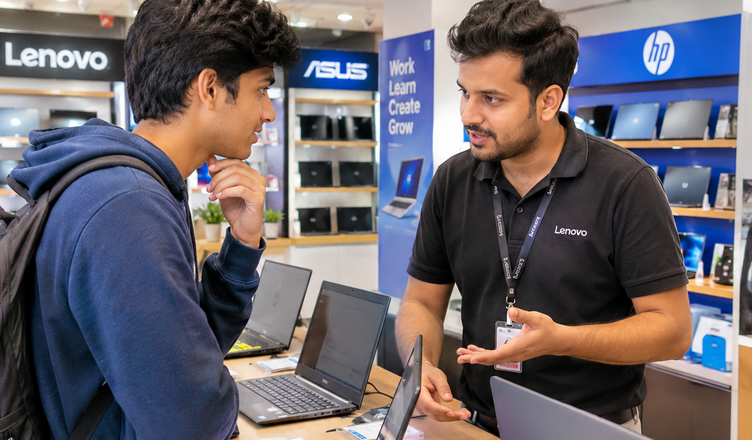
Buying Laptop under ₹30000 can be a little confusing. There are so many brands, different processors, attractive offers, and technical specifications that it is easy to get distracted by features you may never use. Some laptops look impressive on shopping websites, but their actual performance may not meet your expectations.
The good news is that you do not always need to spend ₹50,000 or ₹60,000 to get a useful laptop. If your main requirements are studying, office work, browsing the internet, attending online meetings, or learning digital skills, a carefully selected Laptop under ₹30000 can be a practical choice.
However, the important thing is to understand what you are buying. A cheaper laptop is not necessarily a good deal, and an expensive-looking specification list does not guarantee a better experience.
In this article, we will discuss what you should expect from a Laptop under ₹30000, which specifications deserve your attention, the common problems to avoid, and how to choose a machine that suits your daily needs.
1. Is a Laptop Under ₹30,000 Worth Buying?
In my opinion, a laptop in this price range is worth considering if you have realistic expectations. It can handle many everyday activities without requiring a large investment.
For example, students can use it to prepare assignments, create presentations, attend online classes, and conduct research. Office users can work with documents, spreadsheets, emails, and video conferencing applications. Beginners who want to learn content writing, basic coding, website management, or digital marketing can also get started with a suitable machine.
Think about how you will use the laptop before spending your money. If you mainly use a browser, Microsoft Office, Google Docs, and video-calling applications, you may not need a high-end processor.
On the other hand, if you plan to edit large videos, run demanding software, play modern games, or manage complicated design projects, a Laptop under ₹30000 may feel restrictive.
The biggest mistake is buying a laptop under ₹30000 based on its price alone. Choose a model that matches your work rather than purchasing the cheapest option available.
2. Which Processor Should You Look for?
The processor is one of the most important components because it affects how smoothly your laptop handles different tasks.
At this budget, you may come across Intel Celeron, Intel N-series, older Intel Core processors, and certain AMD Ryzen configurations. The available options depend on discounts, stock, and the exact model.
Do not assume that every Intel Core processor is automatically better than every other processor. Its generation, model number, power requirements, and overall performance also matter.
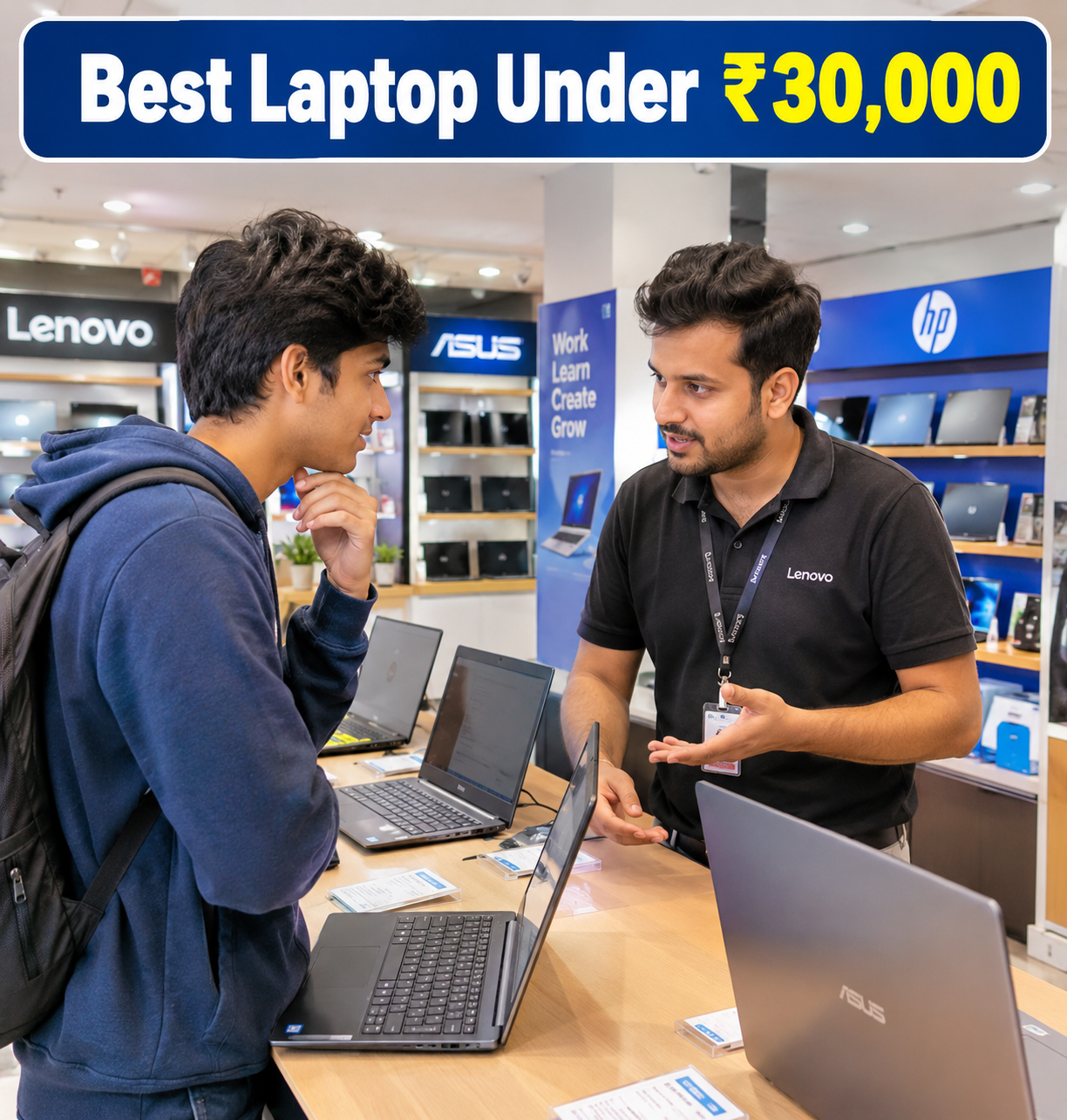
For everyday work, look for a processor that can comfortably handle your regular applications. If you frequently open several browser tabs while working on documents, choosing a stronger processor can make a noticeable difference.
My suggestion is to check independent reviews and performance comparisons before making a decision. Two laptops with similar prices can offer quite different levels of performance.
Also, avoid purchasing an older laptop under ₹30000 simply because its listing mentions a familiar processor name. A previous-generation model may still be useful, but its condition, battery health, warranty, and software support deserve careful attention if it is refurbished.
3. Choose at Least 8GB RAM if Possible
RAM helps your laptop manage multiple applications at the same time. It becomes particularly important when you use several browser tabs, join online meetings, edit documents, and switch between applications.
For a new Windows laptop under ₹30000, I would generally recommend looking for at least 8GB RAM.
A 4GB model may be sufficient for very basic browsing or a limited set of applications, but it can become frustrating when your workload increases. You might notice slower switching between programs or delays when several applications are open.
If you find a laptop with 16GB RAM within your budget, check the processor and other specifications before treating it as the best deal. More memory is useful, but it cannot compensate for every weakness in the hardware.
Another detail worth checking is whether the RAM can be upgraded later. Some laptops have soldered memory, while others provide an upgrade option. This can affect how long the device remains suitable for your needs.
4. SSD Storage Makes a Big Difference
Storage is another area where buyers should pay close attention.
A solid-state drive, commonly called an SSD, generally offers faster startup times and quicker application loading than a traditional hard disk drive. If you have ever used an older computer that takes several minutes to become ready, you will understand why storage speed matters.
For most people, a laptop under ₹30000 with a 256GB SSD is a reasonable starting point. If you regularly save videos, photos, project files, and other large documents, 512GB is a more comfortable option.
Be careful when comparing SSD storage with eMMC storage. Both store your files, but they are different technologies, and their performance and upgrade possibilities vary by device.
Before purchasing, check the exact storage type rather than relying only on the advertised capacity.
A laptop with 8GB RAM and an SSD can be a sensible choice for everyday work, provided the processor and other components are suitable.
5. Do Not Ignore the Display and Keyboard
A laptop is something you may look at and type on for several hours every day. That makes the display and keyboard more important than many buyers realise.
For office work, online classes, and content writing, a 14-inch or 15.6-inch screen can be comfortable. A 14-inch model is generally easier to carry, while a 15.6-inch screen provides more space for documents and spreadsheets.
If possible, choose a Full HD display with a resolution of 1920 × 1080 pixels. Text generally looks sharper than it does on many lower-resolution screens.
However, resolution is not the only consideration. Brightness, viewing angles, colour reproduction, and reflections also affect the experience.
The keyboard deserves equal attention. If you write articles, prepare reports, or work with spreadsheets, uncomfortable keys can become irritating over time. A separate numeric keypad may be useful if you frequently enter numbers.
My advice is to visit a store and try the keyboard and touchpad whenever possible. A few minutes of hands-on use can reveal problems that product photographs cannot show.
6. Windows Laptop or Chromebook: Which Is Better?
This is an important decision because the operating system determines which applications and software you can use.
A Windows laptop is generally the more flexible option if you need traditional desktop applications, particular office programs, website development tools, or Windows-specific software.
A Chromebook runs ChromeOS and is designed around web applications, cloud services, and Google’s ecosystem. It can be a good option for students and people whose work mainly involves browsing, online documents, video meetings, and web-based learning.
However, not every Windows application works on a Chromebook. Before buying one, check whether the software you need is supported.
For example, if you want to learn digital marketing, manage websites, write content, use online analytics dashboards, and work with SEO tools through a browser, either platform may suit many of your tasks. But if you depend on specific Windows-only programs, a Windows laptop is the safer choice.
Always confirm the operating system included with the exact model. Never assume that every laptop comes with Windows simply because it is advertised as a notebook.
7. What About Battery Life, Webcam, and Connectivity?
A laptop’s everyday convenience depends on more than its processor and memory.
Battery life is important if you attend college, travel frequently, or work away from a power socket. Advertised battery figures are usually estimates, so check independent reviews for a more realistic idea of everyday use.
The webcam and microphone matter for online interviews, classes, and meetings. An external webcam or headset can improve the experience later, but it is better to start with acceptable built-in hardware.
Also check whether the laptop includes the ports you need. USB-A ports are useful for accessories, HDMI can help connect an external monitor, and USB-C may support modern peripherals depending on the laptop’s implementation.
Wi-Fi reliability, Bluetooth, charger quality, and warranty coverage should also be part of your decision.
These details may not look exciting on a product page, but they can affect your daily experience much more than a decorative design feature.
8. Common Problems with Budget Laptops
A limited budget requires a few compromises. Knowing them in advance can help you avoid disappointment.
Limited performance: Some entry-level processors are designed for basic tasks rather than heavy multitasking. They may struggle with demanding applications.
Basic displays: A laptop may offer an acceptable screen size but still have modest brightness, narrow viewing angles, or lower resolution.
Limited upgrade options: RAM or storage may not be easily replaceable. This can make future upgrades difficult or expensive.
Average battery life: Battery performance varies with screen brightness, workload, battery capacity, and device condition.
Restricted gaming capability: Most laptops in this category rely on integrated graphics and are not designed for demanding modern games.
Unclear software offers: Check which operating system and office applications are included. Do not assume that every advertised software package provides a permanent licence.
These are not reasons to avoid all affordable laptops. They are simply reminders to compare the complete package rather than focusing on one attractive feature.
9. How to Find the Best Laptop Under ₹30000
You can begin by comparing laptops from brands such as ASUS, Acer, HP, Lenovo, and other established manufacturers. The right choice depends on the specific configuration, not just the brand name.
For reference, current online listings include models such as the ASUS Vivobook Go 15 and Acer Aspire 3, with different configurations and operating systems depending on the variant. Some Lenovo models may also fit the budget during discounts. Always verify the exact specifications and final price before buying.
Start by deciding whether you need Windows or ChromeOS. Next, compare the processor, RAM, SSD capacity, display resolution, battery performance, and warranty.
Read recent customer reviews, paying particular attention to repeated complaints about heating, slow performance, battery backup, keyboard quality, and customer service. A single negative review may not tell you much, but similar complaints from several buyers deserve attention.
Compare prices across reputable retailers and check the seller’s return policy. An attractive discount is not worth much if the configuration is unsuitable or the warranty terms are unclear.
Finally, do not spend your entire budget on the laptop if you also need a laptop bag, mouse, headphones, or other accessories.
10. Final Suggestions for Readers
Before purchasing a laptop under ₹30,000, keep these practical suggestions in mind:
- Prioritise everyday performance: Look for a suitable processor, at least 8GB RAM where possible, and SSD storage.
- Choose the right operating system: Confirm that the laptop supports the applications you need for work or education.
- Check the display: A Full HD screen is preferable for reading, writing, and working with documents.
- Think about future needs: Check whether RAM and storage can be upgraded if your workload increases.
- Read recent reviews: Look for recurring complaints rather than relying only on the overall star rating.
- Verify the warranty: Check the warranty duration, service arrangements, and return policy before paying.
- Avoid unnecessary features: Spend money on useful performance and build quality instead of features you are unlikely to use.
- Compare the final price: Include delivery charges, applicable offers, and any accessories you need.
My final recommendation is simple: do not buy a laptop just because it is advertised as the best laptop under ₹30000. First, understand your requirements, then compare a few suitable models carefully.
A well-chosen budget laptop can support your education, help you develop new skills, and handle everyday office work for years. The best purchase is not necessarily the one with the most impressive specifications on paper. It is the one that performs reliably for the tasks you actually need to complete.
One thought on “Best Laptop Under ₹30000: A Complete Buying Guide”